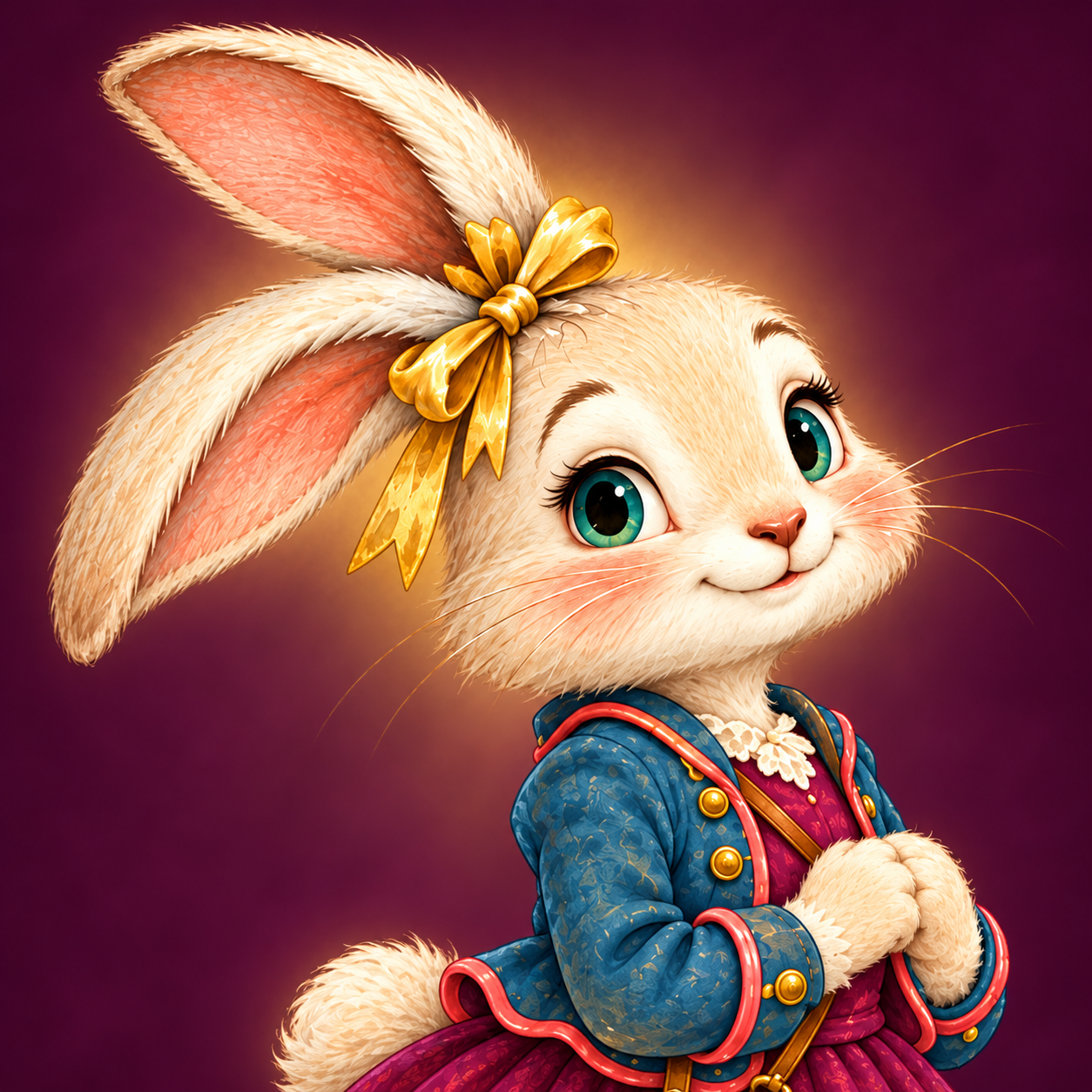
CRAFTING BASICS
How to Use Transparent PNG Clip Art
Transparent PNG clip art lets you place an illustration on a card, scrapbook page, or digital layout without a solid rectangle around it. Here is how to take your Hattie Hops files from a ZIP download to a simple personal project.
What does “transparent PNG” mean?
A PNG is an image file. When it includes transparency, the space around the illustrated character can let your project’s background show through. Put Hattie on a cream card and the cream shows around her ears and skirt; place her on a colored page and that color surrounds her instead.
Some viewers display transparent areas as white, black, or a checkerboard. The most useful check is to place the actual PNG over a colored shape in an editor that supports transparency. The background should show through around the artwork.
1. Download and unzip the files
Save the purchased ZIP file to a folder you can find again. Open it using your device’s extract or unzip option, then open the extracted folder. Use the individual files ending in .png inside that folder.
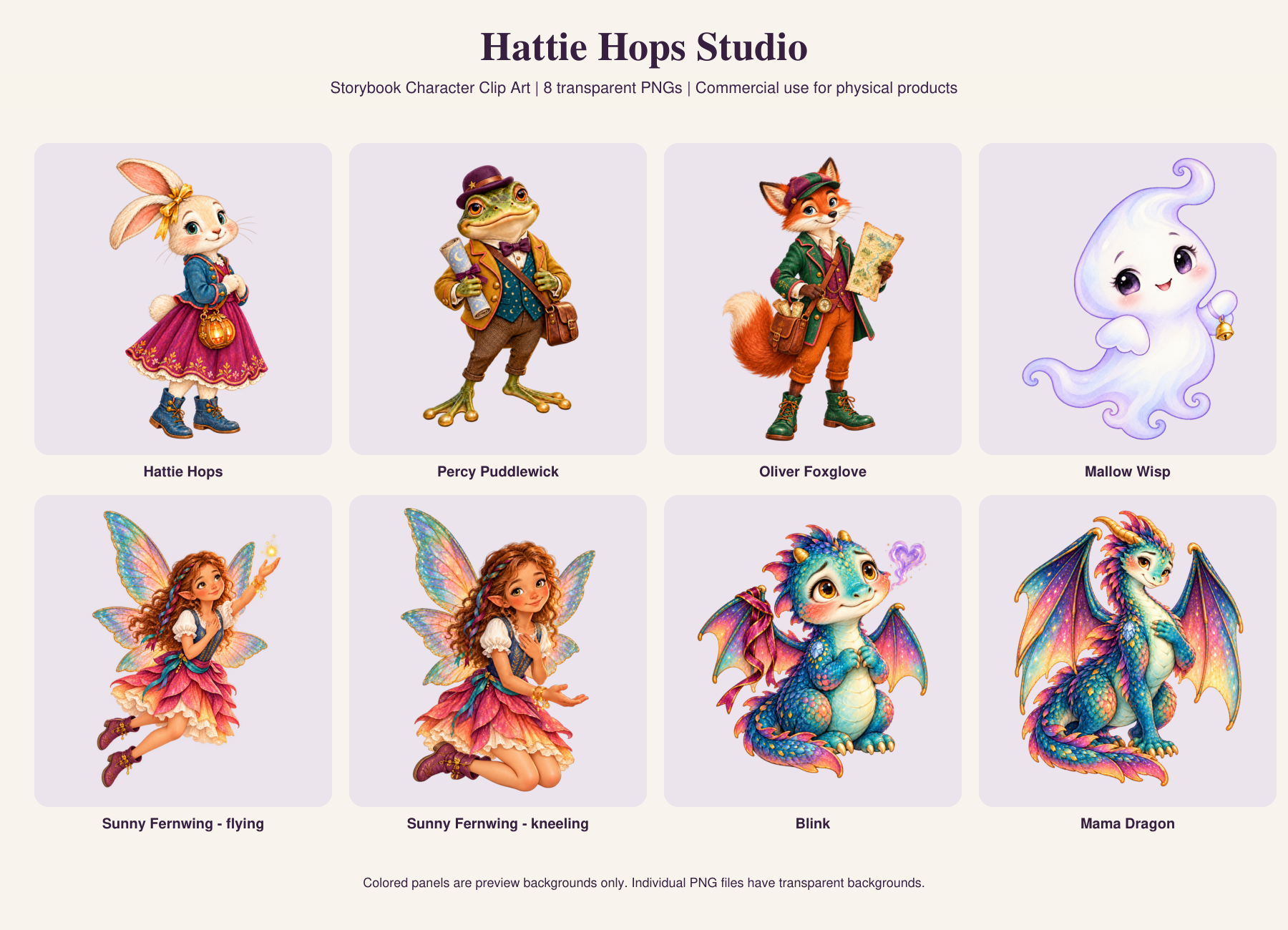
The character collection comes in one ZIP with eight PNGs. The decorative woodland collection comes in four ZIPs with 31 PNGs in total, so download and extract all four for the complete set. Each bundle includes commercial-use terms and a file guide.
Use the purchased PNGs for your project. Images saved from a listing or this website are previews and may include labels, backgrounds, or smaller dimensions.
2. Start a small project
Open a design or image-editing application that can import PNG files and retain transparency. Create your document at the intended finished size. A small card front or journal panel makes a manageable first project.
Use the application’s image upload, import, or insert control to add a PNG. Keep the original download unchanged so you always have a clean copy for your next project.
3. Place and resize your illustration
Move the character into position and resize it while keeping its proportions locked. The exact controls vary by application; look for an aspect-ratio lock or proportional resize option. Stretching only the width or height can distort a face or wings.
Leave space around ears, wings, and tails. If you are making a card, keep artwork and words away from the fold and cutting edges. A short message and one character often make a clearer design than filling every corner.
Try a “You brighten my day” card
- Choose a pale background for your card front.
- Place Hattie or Sunny on one side.
- Add “You brighten my day” in a readable font beside the illustration.
- Leave a little open space and add your personal message inside.
This is a project idea to create yourself; an editable card template is not included in the clip-art bundle. You can also use a butterfly or flower from the woodland collection as a small accent.
4. Check the size before printing
PNG illustrations are made of pixels. Making them much larger than their original dimensions can soften the details. For example, an image that is 1,200 pixels wide provides 300 pixels per inch when placed four inches wide. That calculation describes the placement; it does not mean every file in the bundle is 1,200 pixels wide or carries a particular resolution setting.
Check the included file guide for each image’s exact dimensions. Preview your project at its intended size and print one test before making several copies. Screens and printers can show colors differently.
5. Save in the format your project needs
For printing, use the format and page settings your printer or printing service asks for. If you need to retain transparency in a saved image, choose PNG with transparency enabled in your application. Saving as JPEG will give the image a solid background.
These files are raster illustrations, not SVG cutting files. Importing a PNG into crafting software does not make it a ready-made layered cutting design.
Create for yourself—or make physical products to sell
Both Hattie Hops clip-art bundles include personal use and commercial permission to make and sell physical products, such as cards, stickers, and crafts. You may resize and arrange the artwork. Do not share or resell the digital files, including modified versions, or sell digital downloads, templates, or asset bundles containing them. A private production provider may receive files only to fulfill your physical-product orders, with no reuse or distribution rights. Read the full commercial-use terms before selling. The storybook remains personal use.
Planning a cozy reading activity too? Try a gentle Halloween storytime at home with a simple kindness drawing.